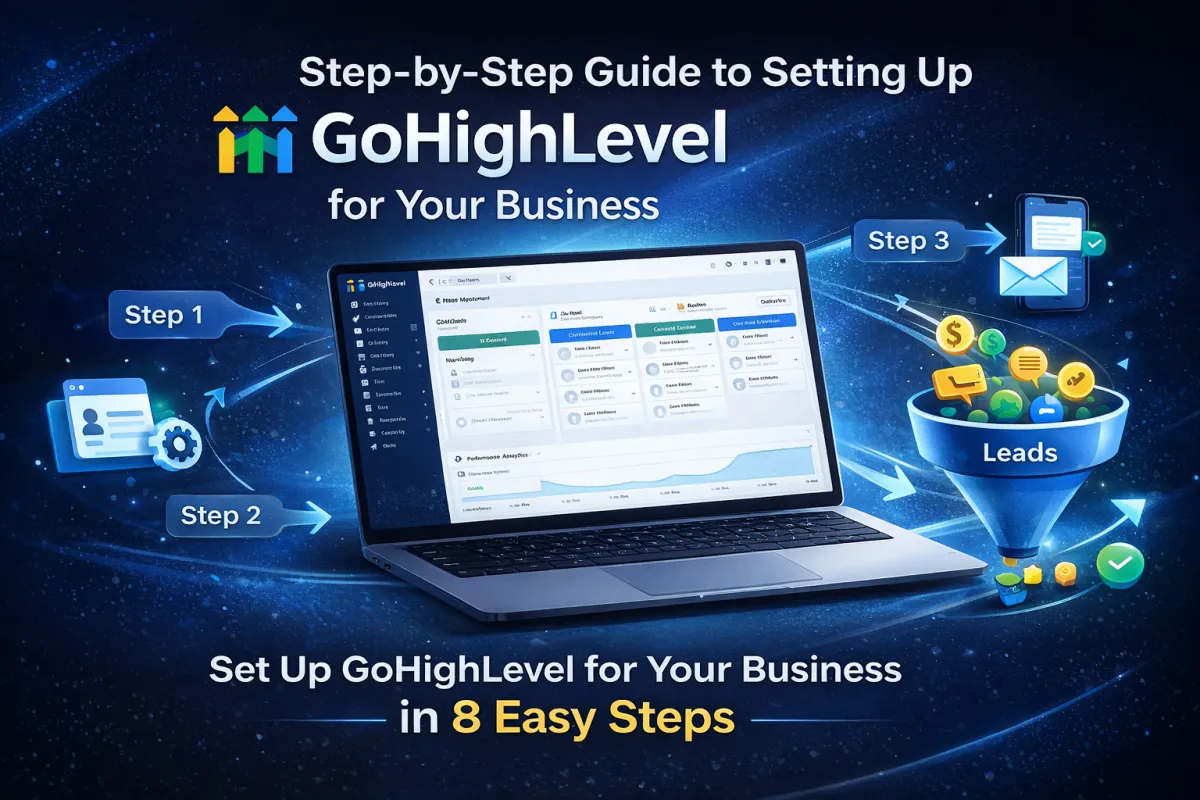
Step-by-Step Guide to Setting Up GoHighLevel for Your Business
Step-by-Step Guide to Setting Up GoHighLevel for Your Business
Introduction
Setting up a powerful CRM and marketing automation platform is essential for businesses that want to streamline their operations and improve customer relationships. GoHighLevel is an all-in-one platform designed specifically for marketing agencies, entrepreneurs, and businesses that want to manage leads, automate marketing, and increase conversions.
However, many beginners find it difficult to set up the platform properly. In this guide, we will walk you through a step-by-step process to set up GoHighLevel for your business so you can start generating leads and managing customers effectively.
What Is GoHighLevel?
GoHighLevel is an all-in-one marketing and CRM platform that helps businesses manage customer relationships, build sales funnels, automate marketing campaigns, and track performance.
Instead of using multiple tools, GoHighLevel combines everything into one platform, making it easier to manage your marketing and sales processes.
Key features include:
CRM and lead management
Funnel and website builder
Email and SMS marketing automation
Appointment scheduling
Pipeline tracking and analytics
These tools help businesses save time and improve their marketing performance.
Step 1: Create Your GoHighLevel Account
The first step is creating your GoHighLevel account.
Once you sign up, you will gain access to the main dashboard where you can manage all your marketing tools in one place.
After logging in, take some time to explore the dashboard and understand the main features available.
Step 2: Set Up Your Business Profile
After creating your account, the next step is to set up your business information.
You should add:
Business name
Email address
Phone number
Website URL
Business location
This information helps personalize your CRM and ensures your marketing campaigns display the correct details.
Step 3: Connect Your Domain
Connecting your domain is important if you want to create landing pages, funnels, or websites.
To connect your domain:
Go to the settings section
Select the domains option
Add your custom domain
Update DNS settings from your domain provider
Once connected, you can use your domain for funnels, landing pages, and websites.
Step 4: Set Up Your CRM and Pipelines
The CRM system allows you to manage leads and customers effectively.
You can create pipelines to track different stages of the customer journey such as:
New leads
Contacted leads
Qualified prospects
Closed customers
This helps your team track progress and manage sales opportunities more efficiently.
Step 5: Create Funnels and Landing Pages
One of the most powerful features of GoHighLevel is the funnel builder.
You can create landing pages and funnels to capture leads and promote your products or services.
Your funnel should include:
Landing page
Lead capture form
Thank you page
Follow-up automation
A well-designed funnel increases the chances of converting visitors into leads.
Step 6: Set Up Email and SMS Automation
Automation is one of the biggest advantages of GoHighLevel.
You can create automated workflows to send:
Welcome emails
Follow-up messages
Appointment reminders
Promotional campaigns
Automation saves time and ensures consistent communication with your leads.
Step 7: Integrate Appointment Scheduling
GoHighLevel also allows businesses to create appointment booking systems.
Customers can easily schedule appointments through your landing pages or website.
This feature is especially useful for:
Consultants
Marketing agencies
Coaches
Service-based businesses
It simplifies the booking process and improves customer experience.
Step 8: Track Performance and Analytics
Once everything is set up, you should monitor your performance regularly.
GoHighLevel provides analytics to track:
Lead conversions
Funnel performance
Campaign results
Customer interactions
Analyzing this data helps you optimize your marketing strategies and improve results.
Tips for Getting the Most Out of GoHighLevel
To maximize the benefits of GoHighLevel, consider the following tips:
Keep your CRM organized
Use automation for follow-ups
Optimize your funnels regularly
Track analytics and improve campaigns
Test different marketing strategies
Small improvements can significantly increase your results.
Conclusion
GoHighLevel is a powerful platform that helps businesses manage leads, automate marketing, and increase sales. By setting up your account properly and using its key features like CRM, funnels, automation, and analytics, you can create an efficient marketing system for your business.
Following this step-by-step guide will help you get started with GoHighLevel and make the most of its powerful tools.
If you want to grow your business and improve your marketing strategy, setting up GoHighLevel correctly is the first step toward success.
